An open source Google Keep alternative with built-in Keep import
Leave Keep without leaving your notes behind
Google Keep is genuinely good at what it does - which is exactly why leaving it is hard. Most "Keep alternatives" fail at the same hurdle: your years of notes are stuck in Google's export format, and retyping them is not going to happen.
OpenHabitTracker is a free, open source note-taking app with a built-in Google Keep import. Export your notes with Google Takeout, pick the file in the app, and your notes, checklists, labels and colors come along.
How the Google Keep import works
- Go to takeout.google.com, click "Deselect all", then select only Keep and create the export
- Download the resulting ZIP file - no need to unpack it
- In OpenHabitTracker, open Data, choose Import and pick the ZIP
What carries over:
- Text notes become notes, with their created and edited dates preserved
- Checklist notes become tasks - every checkbox item comes along, including its checked state
- Labels become categories, one per note, taken from its first label
- Note colors are mapped to theme background colors
- Trashed notes land in the trash, not in your active notes
Google Keep vs OpenHabitTracker
| Google Keep | OpenHabitTracker | |
|---|---|---|
| Price | free | free |
| Open source | ❌ | ✅ GPL-3.0 |
| Account required | ✅ Google account | ❌ no account |
| Where your data lives | Google's servers | on your device |
| Notes | ✅ plain text | ✅ Markdown - headings, lists, tables, code |
| Checklists | ✅ | ✅ tasks with sub-items |
| Habit tracking | ❌ | ✅ |
| Labels / categories | ✅ labels | ✅ categories |
| Note colors | ✅ | ✅ |
| Reminders / notifications | ✅ per note, by time or place | ✅ daily summary and reminders before planned tasks, not per note |
| Collaboration / sharing | ✅ | ❌ |
| Images, drawings, audio | ✅ | ❌ text only |
| Native desktop app | ❌ browser only | ✅ Windows, macOS, Linux |
| Mobile apps | ✅ Android, iOS | ✅ Android, iOS |
| Sync | ✅ Google cloud | ✅ optional self-hosted server (Docker) |
| Export your data | Google Takeout | Markdown, JSON, YAML, TSV - any time |
| Languages | many | 20 |
| Themes | light / dark | 26 themes, dark and light |
What you give up, honestly
If your Keep usage leans on per-note reminders, shared notes, or photos, drawings and voice memos, OpenHabitTracker is not a drop-in replacement - it is a text-first app. It does notify: a daily summary of what is due, and a reminder before a task's planned time. What it has no equivalent for is a reminder attached to one note, or one that fires when you arrive somewhere.
What you get in exchange: your notes in portable Markdown on your own device, no account, a real desktop app on Windows, macOS and Linux, tasks and habit tracking in the same place, and - if you want sync - a self-hosted Docker server under your control instead of someone else's cloud.
Screenshots
Desktop:
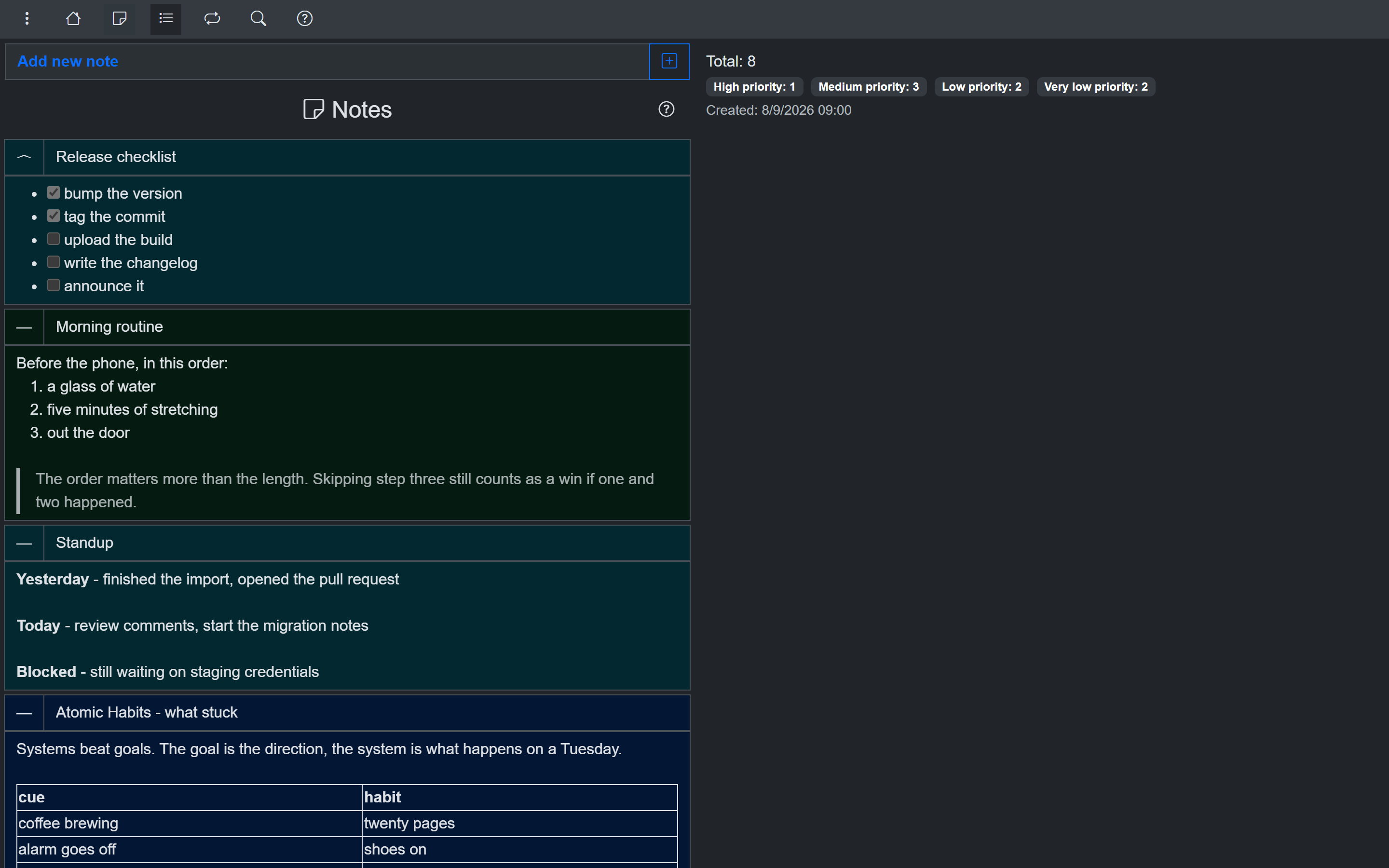
Notes on desktop - colors and categories, like Keep
Phone:
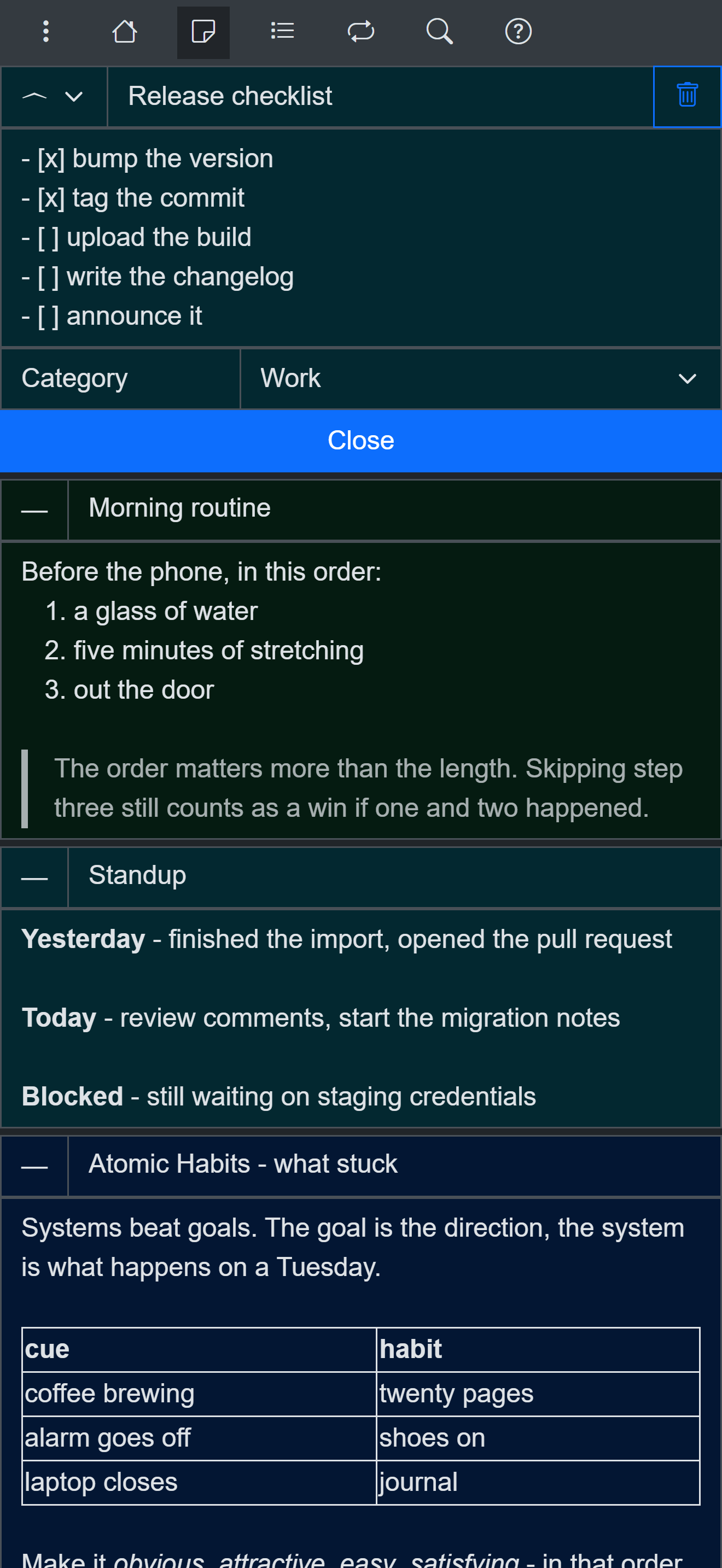
Markdown notes on a phone
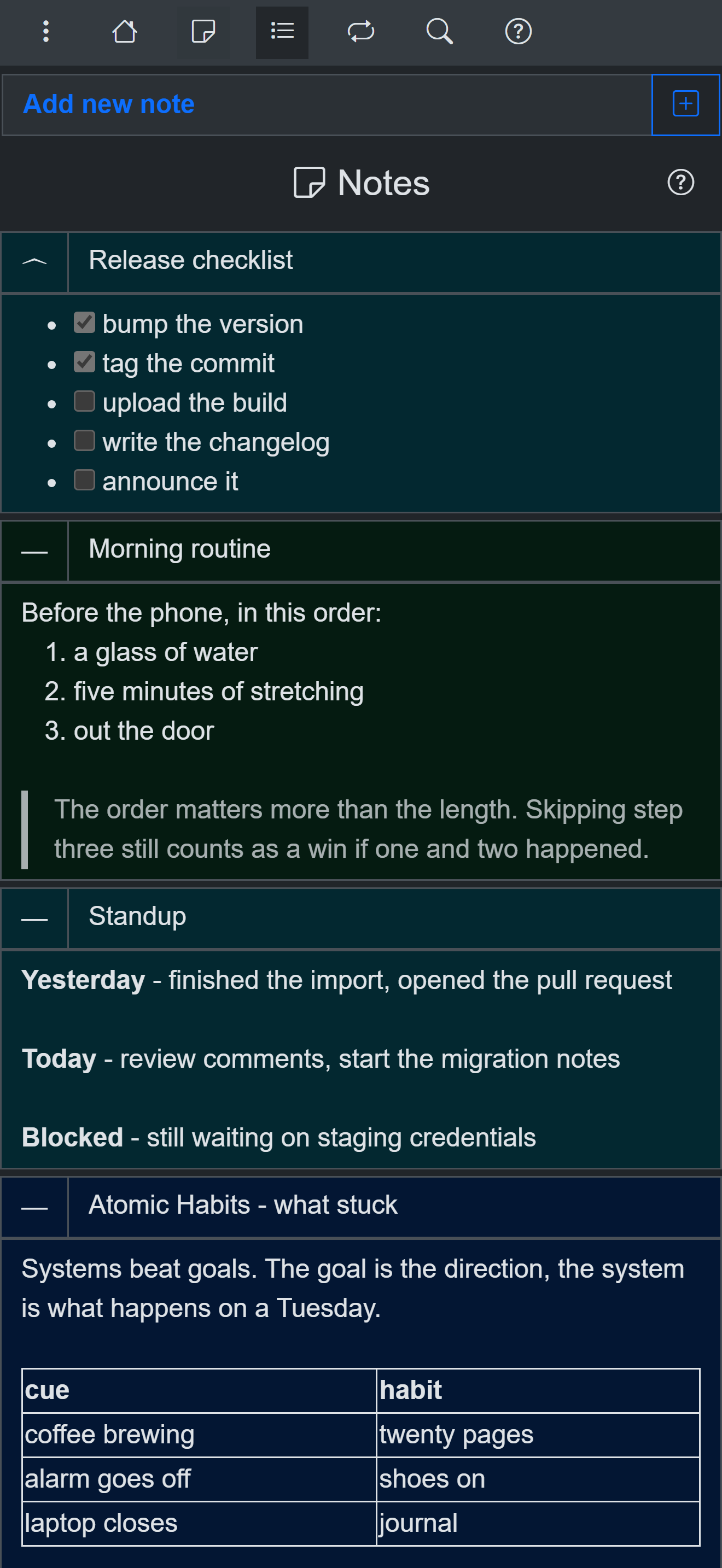
Notes list on a phone
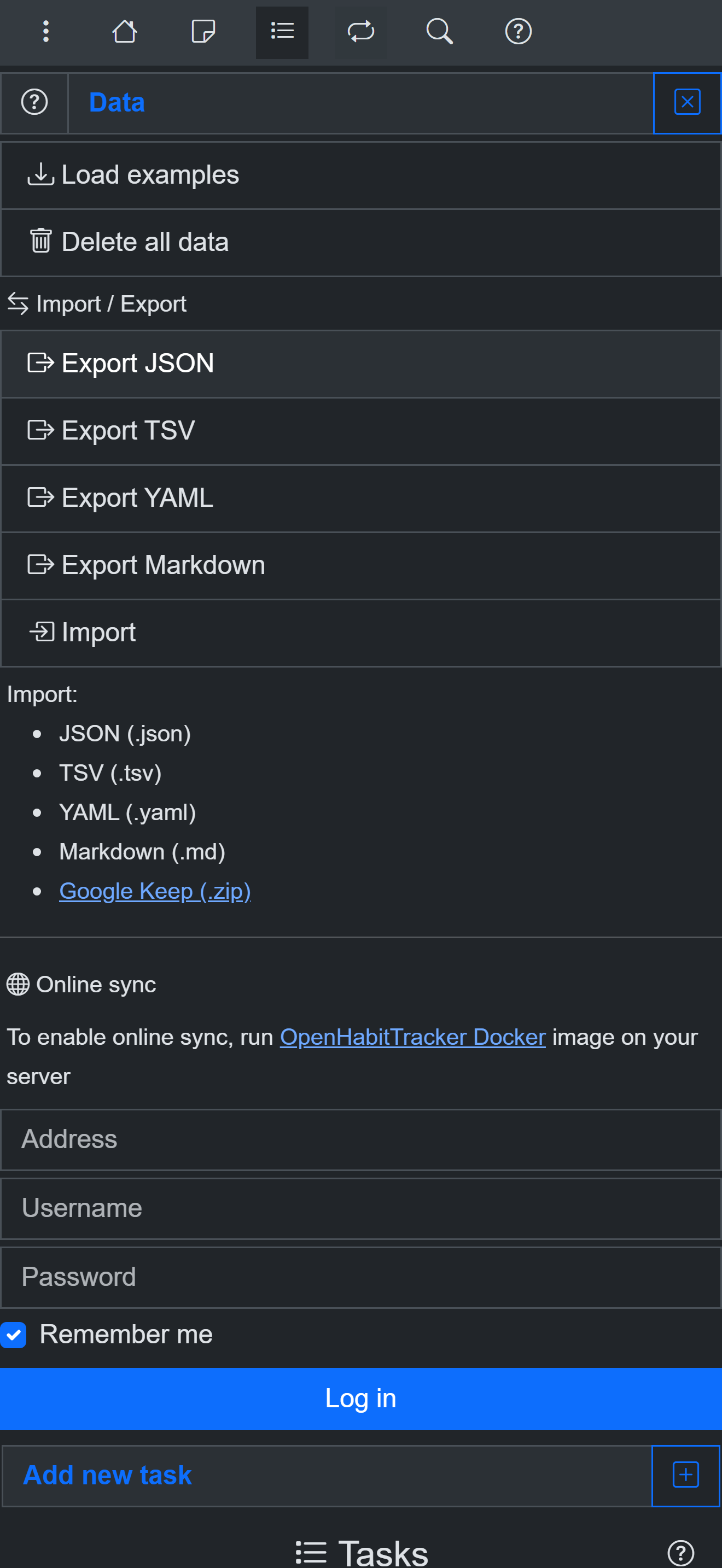
The Data page - Google Keep import and open export formats
Try it without installing anything
Use OpenHabitTracker in your browser
The PWA works offline and keeps all data on your device. Or get the native app:
Android - Google Play:
iOS - App Store:
Windows - Microsoft Store:
macOS - Mac App Store:
Linux - Flathub:
Linux - Snap Store:
Questions? The source is on GitHub and the community is on Reddit.