Streaks app for Android, Windows and Linux: an open source alternative
What to use when you leave the Apple ecosystem - or never joined it
Streaks is the habit tracker Apple users recommend to each other, for good reason: a fair one-time price of $5.99, automatic habit completion through Apple Health and Apple Watch, and some of the best VoiceOver accessibility in the category. If your whole life runs on Apple devices, it is an excellent choice.
Is there a Streaks app for Android or Windows?
No. Streaks is exclusive to iPhone, iPad, Mac, Apple Watch and Apple Vision Pro - there is no Android version, no Windows version, no Linux version and no web version. If you switch platforms, or your desktop is not a Mac, your habits stay behind.
OpenHabitTracker is a free, open source habit tracker with native apps on Android, Windows, Linux, iPhone and macOS, plus a web app - and optional sync between all of them through a server you host yourself.
Streaks vs OpenHabitTracker
| Streaks | OpenHabitTracker | |
|---|---|---|
| Price | $5.99 one-time | free |
| Open source | ❌ | ✅ GPL-3.0 |
| Account required | ❌ (iCloud) | ❌ no |
| Where your data lives | device + iCloud | on your device |
| iPhone / iPad | ✅ | ✅ |
| macOS | ✅ | ✅ |
| Apple Watch | ✅ | ❌ |
| Android | ❌ | ✅ |
| Windows | ❌ | ✅ |
| Linux | ❌ | ✅ |
| Web / PWA | ❌ | ✅ |
| Apple Health auto-completion | ✅ | ❌ |
| Sync | ✅ iCloud, Apple devices only | ✅ optional self-hosted server, all platforms |
| Habit limit | 24 | none |
| Notification reminders | ✅ | ✅ daily summary and reminders before planned tasks |
| Streak model | ✅ classic streaks | elapsed time vs desired interval; streaks opt-in |
| Notes / tasks | ➖ a daily note per habit, no notes or tasks of their own | ✅ Markdown notes + tasks |
| Accessibility | ✅ excellent VoiceOver | ✅ ARIA labels, full keyboard navigation |
| Languages | 28 | 20 |
| Themes | 78 color themes | 26, dark and light |
Where Streaks stays ahead, honestly: automatic completions from Apple Health and the Apple Watch app are genuinely useful and OpenHabitTracker has no equivalent - a step-count habit completes itself in Streaks. Its VoiceOver support also has an outstanding track record. If you are staying on Apple hardware and 24 habits are enough, the $5.99 is well spent.
A different take on streaks
As the name says, Streaks is built around the streak. OpenHabitTracker is built around the repeat interval instead: it tracks the time elapsed since you last completed a habit and shows it as a percentage of the interval you chose - 120% means slightly overdue, and the badge color shifts from on-track to overdue as the number grows (green, amber and red in the default theme). A skip only raises the urgency. Classic streaks are still available for those who want them - opt-in and off by default, added by user request in GitHub discussion #16.
Screenshots
Desktop:
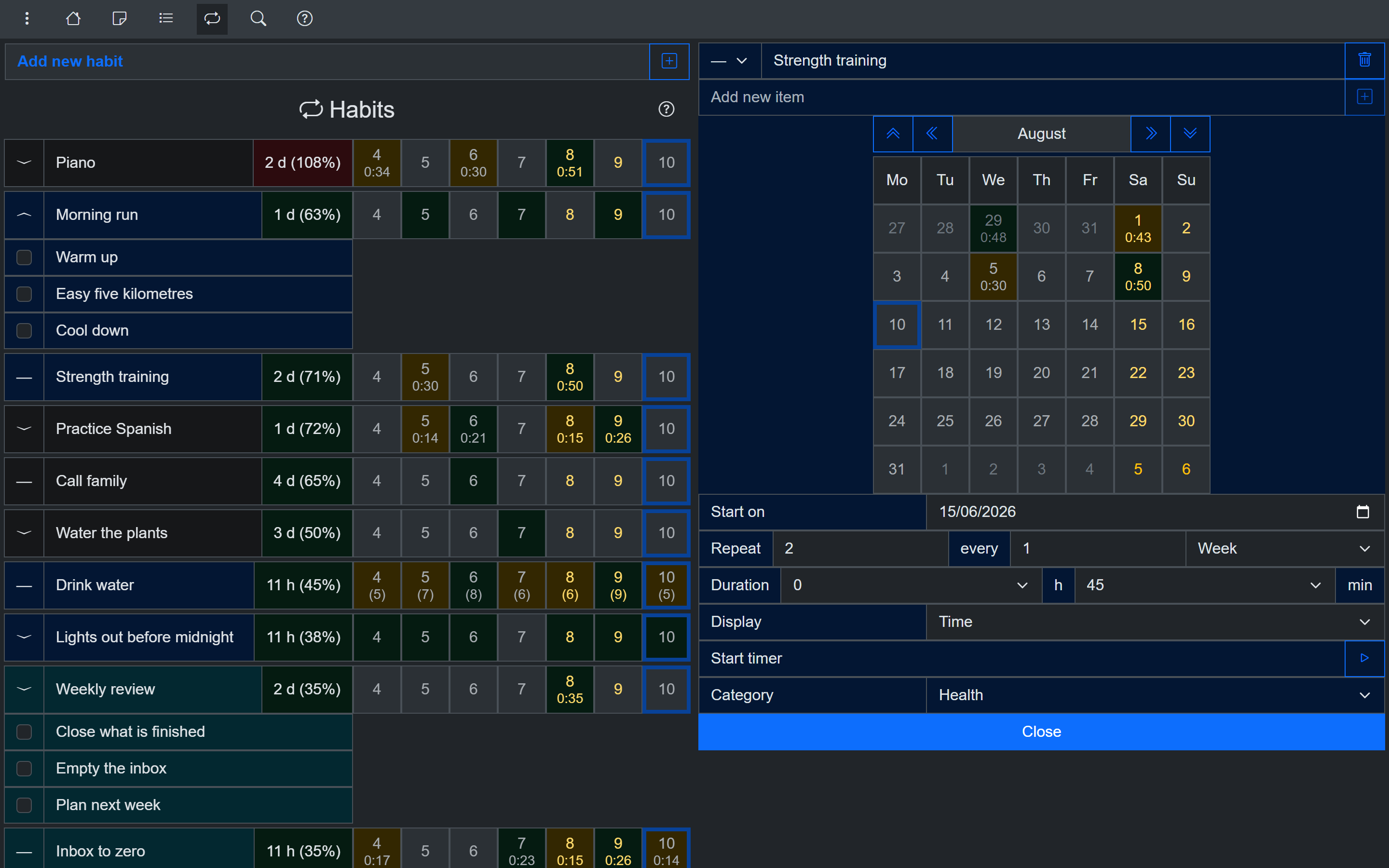
Habit detail with calendar - on Windows and Linux too
Phone:
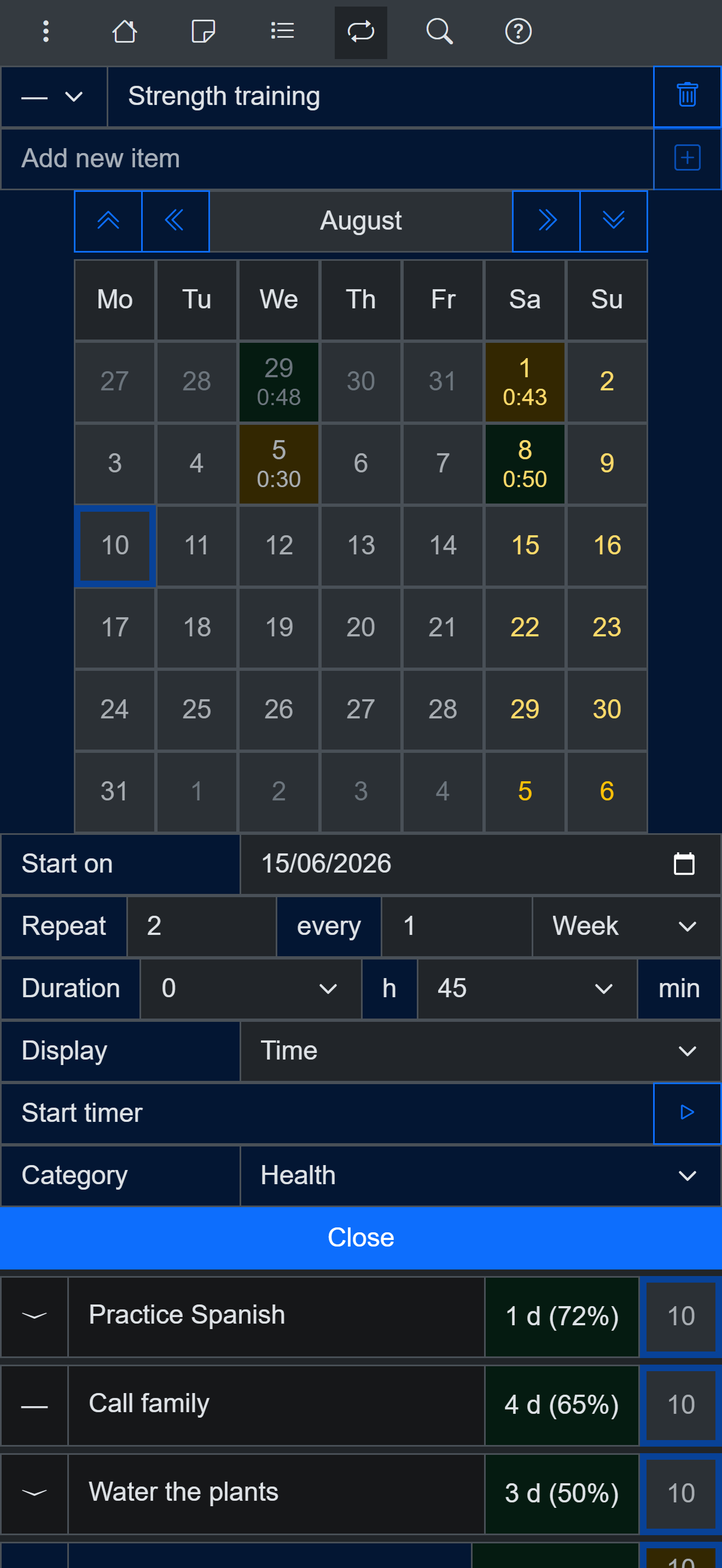
Habit view on a phone
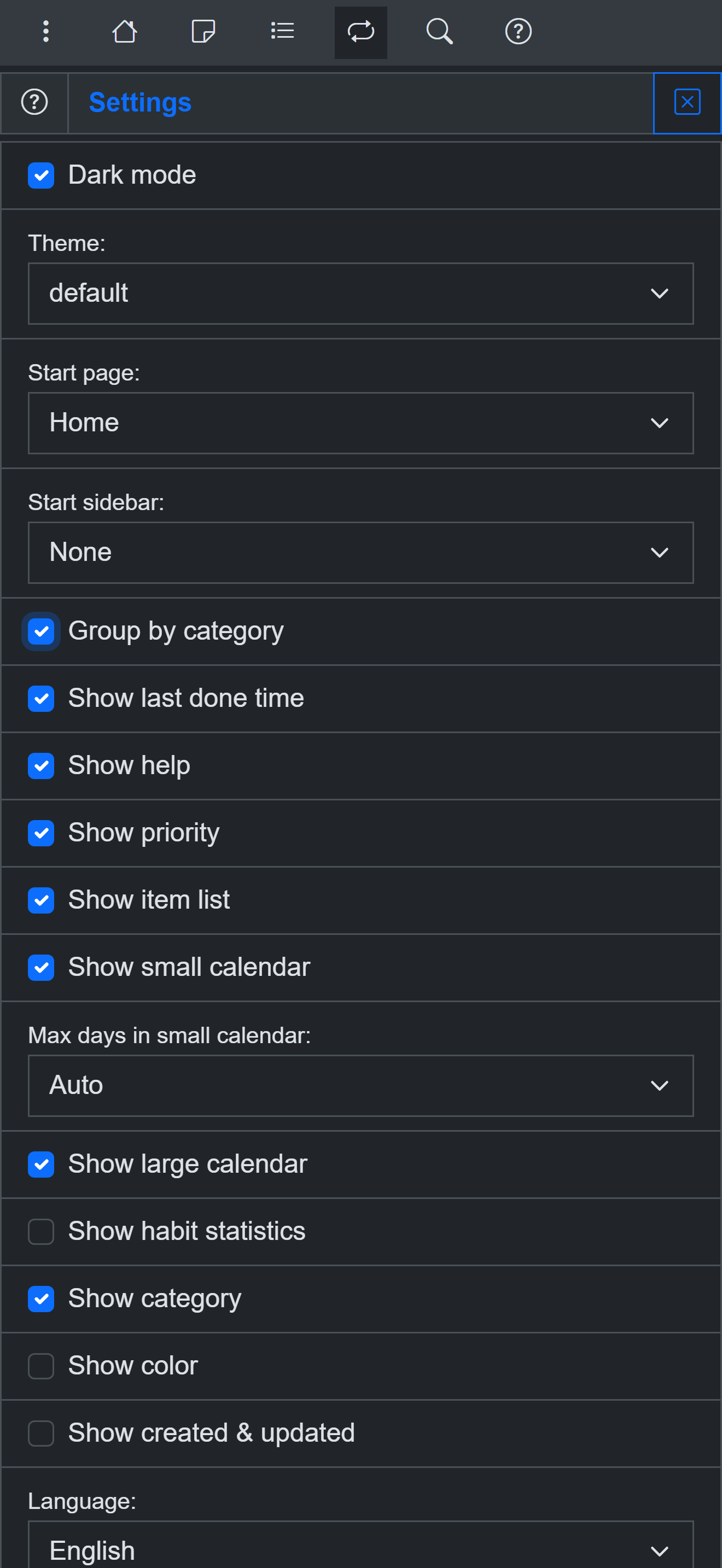
26 themes, dark and light
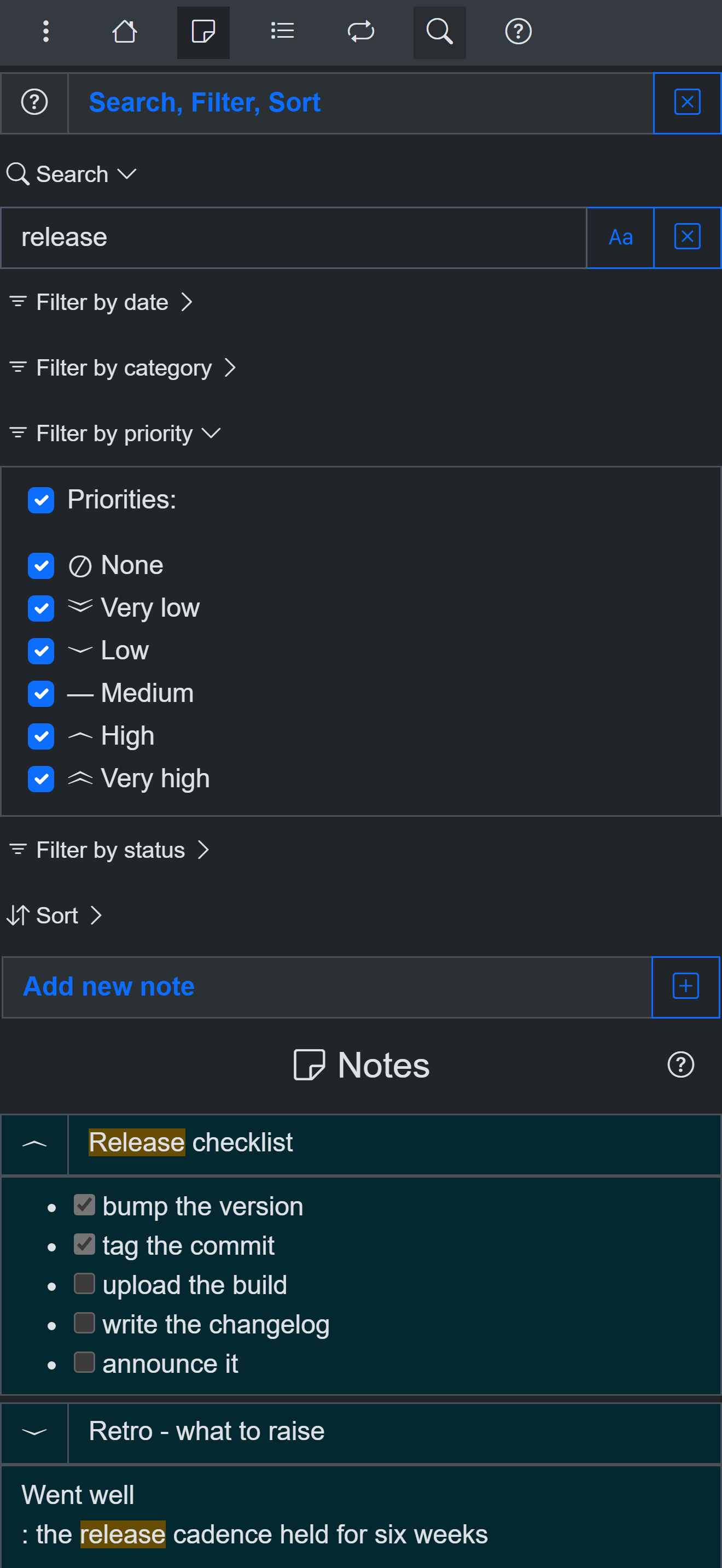
Search and filter everything
The honest verdict
- Stay with Streaks if you are all-in on Apple and the Health/Watch automation matters - nothing here replaces that.
- Try OpenHabitTracker if you use Android, Windows or Linux - or expect to - and want your habits to follow you across every device, for free.
Try it for free
Use OpenHabitTracker in your browser
No install needed - the PWA keeps all data on your device. Or get the native app:
Android - Google Play:
Windows - Microsoft Store:
Linux - Flathub:
Linux - Snap Store:
iOS - App Store:
macOS - Mac App Store:
Questions? The source is on GitHub and the community is on Reddit.